EQUALIZR
EQUALIZR is a desktop audio application created for fast, batch-based loudness normalization. The identity and interface system were designed around precision, clarity, and modular scalability, creating a visual language that extends consistently across the product, website, and supporting assets.


Motion
A cinematic sequence of suspended interfaces, sculptural sound objects, luminous waveforms, and immersive listening environments brings the EqualizR identity to life.
Color
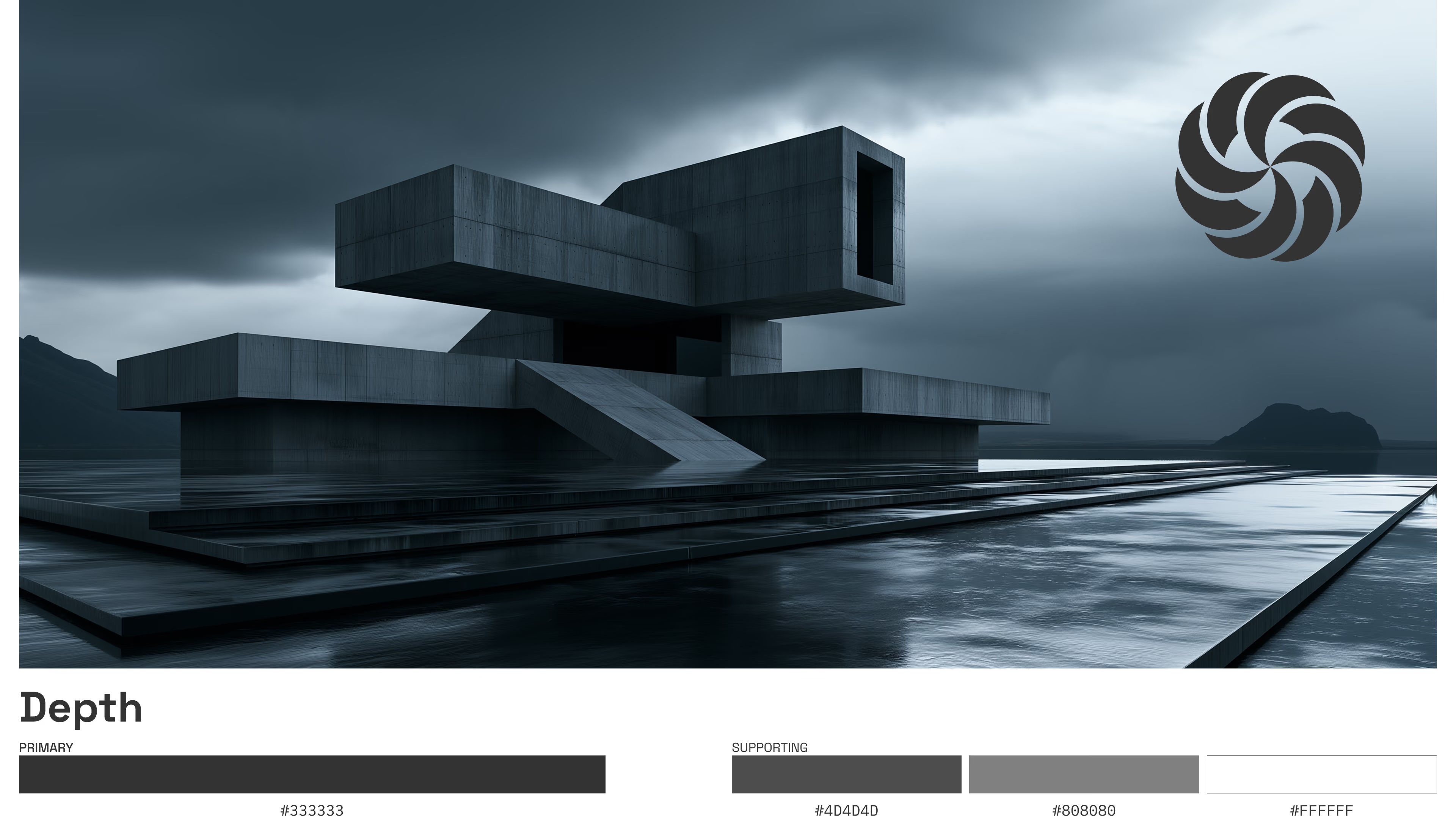
The color system uses structured neutrals and violet accents to define interaction, feedback, and system states.

Typography
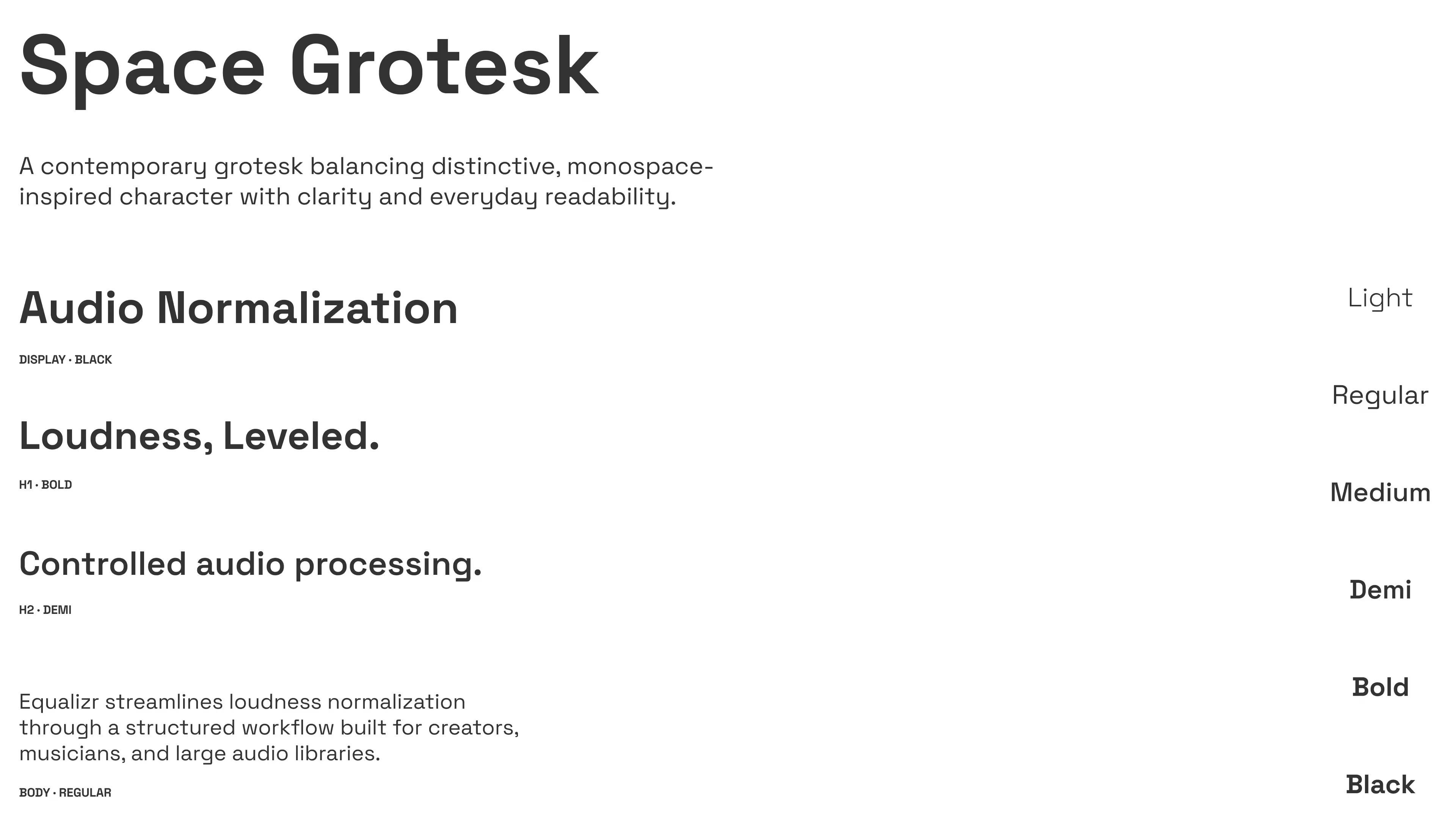
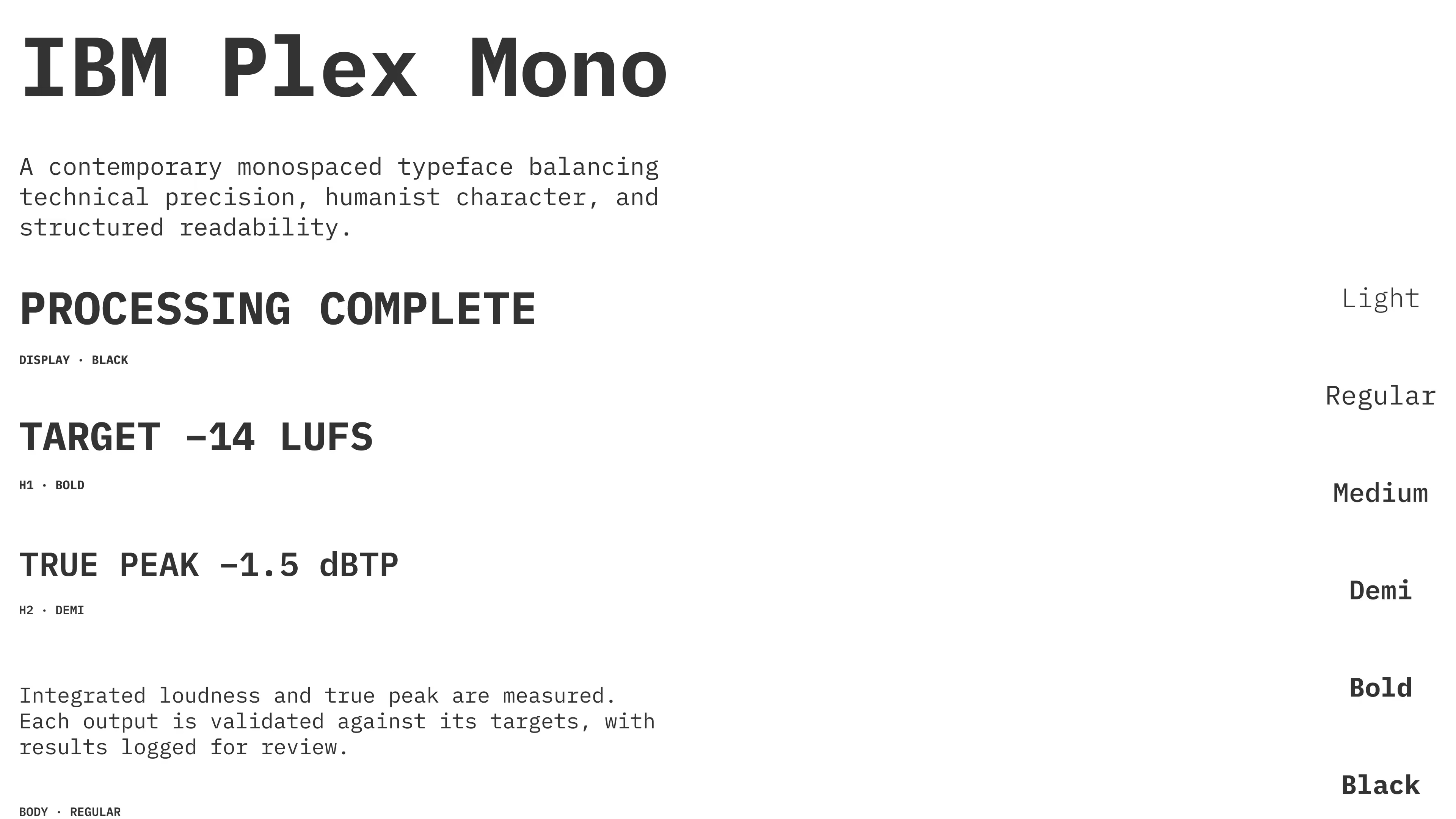
Space Grotesk provides a clear, contemporary interface voice, while IBM Plex Mono handles technical data, values, and processing feedback. Together they balance usability with precision.
Iconography
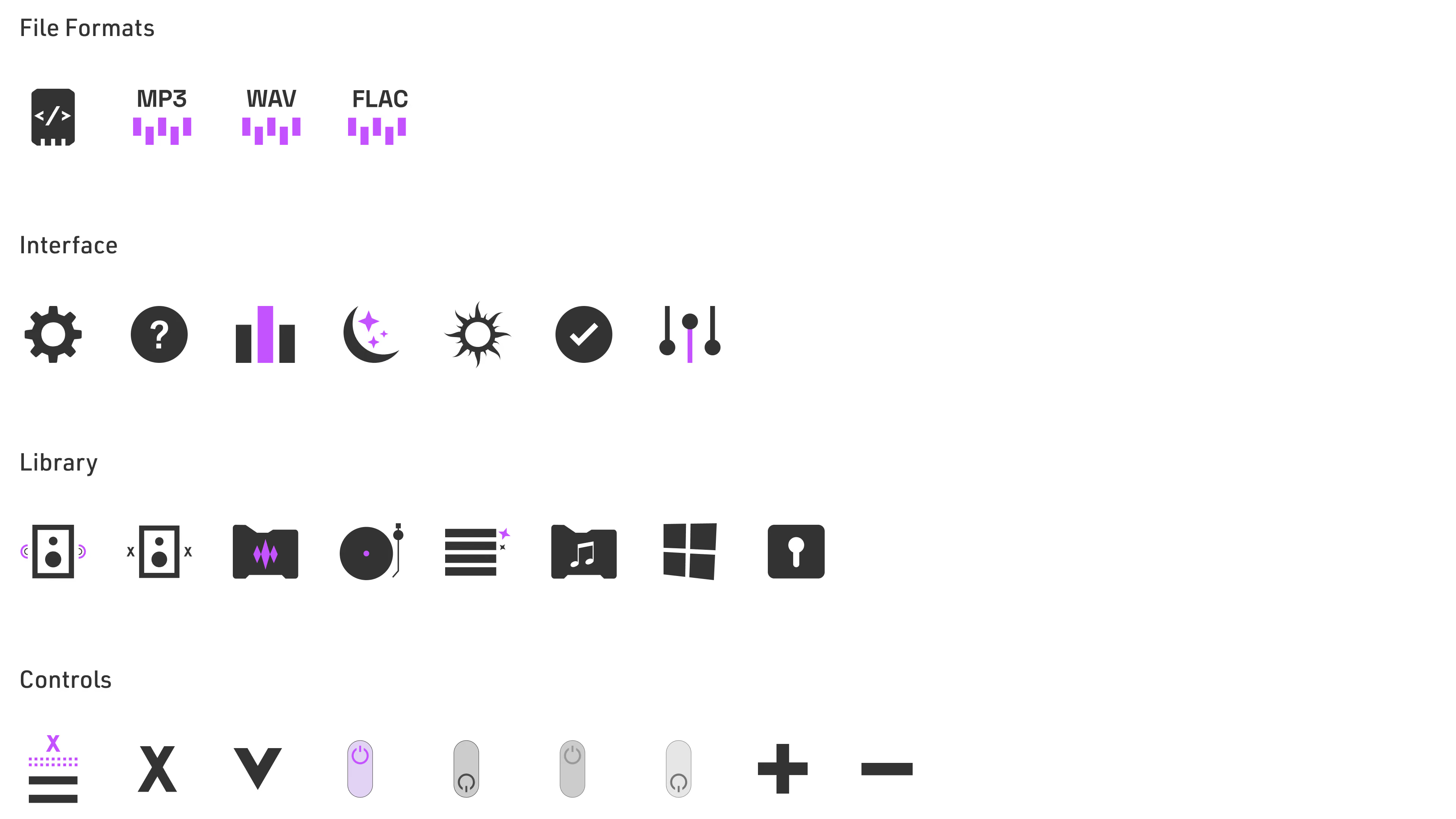
Iconography defines a consistent visual system across navigation, controls, workflows, and status indicators.

App Interface
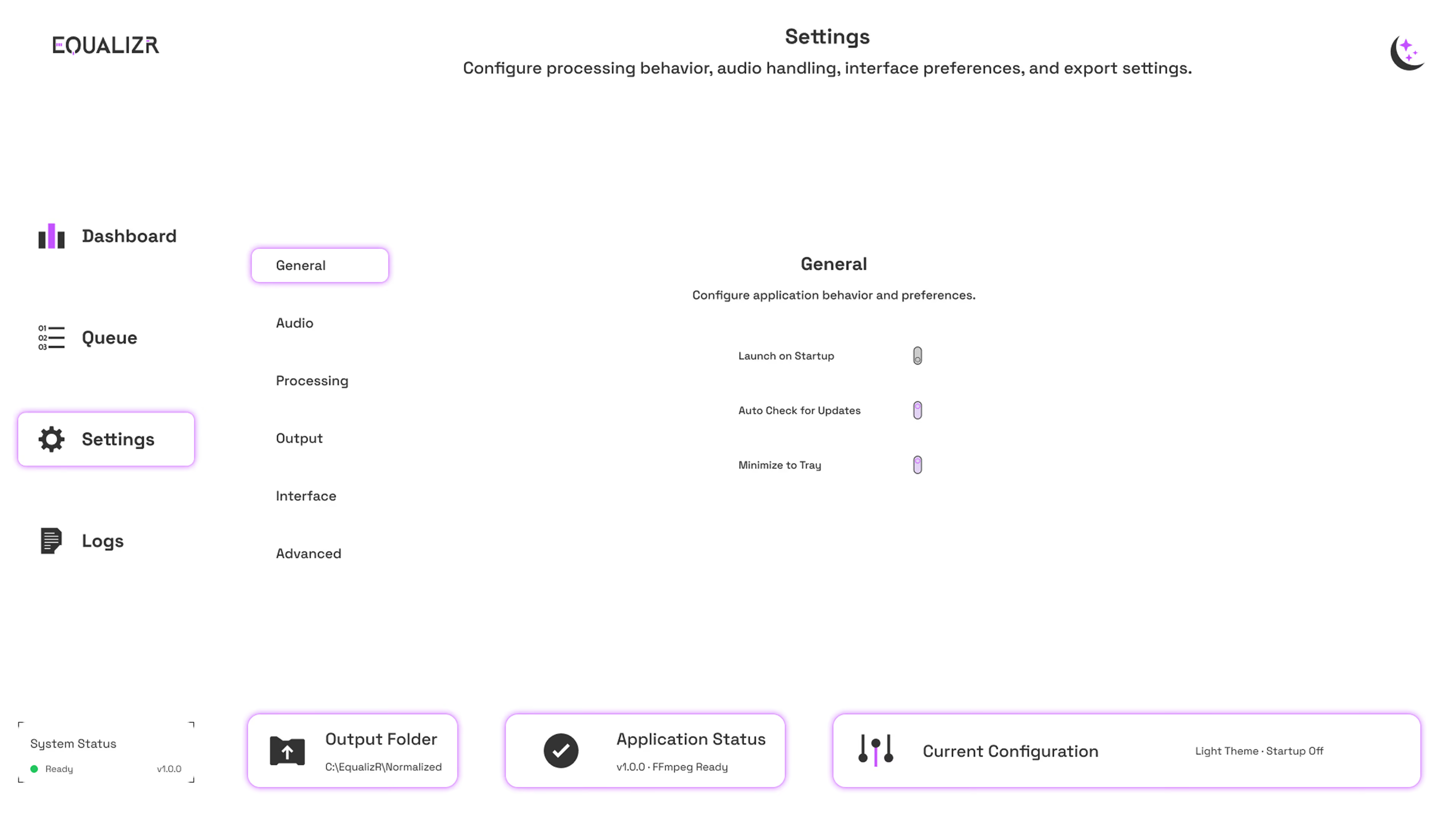
The interface organizes batch audio processing through a clear, repeatable workflow with queue management, configurable settings, detailed processing states, validation feedback, logs, and adaptive themes.



App Icon System
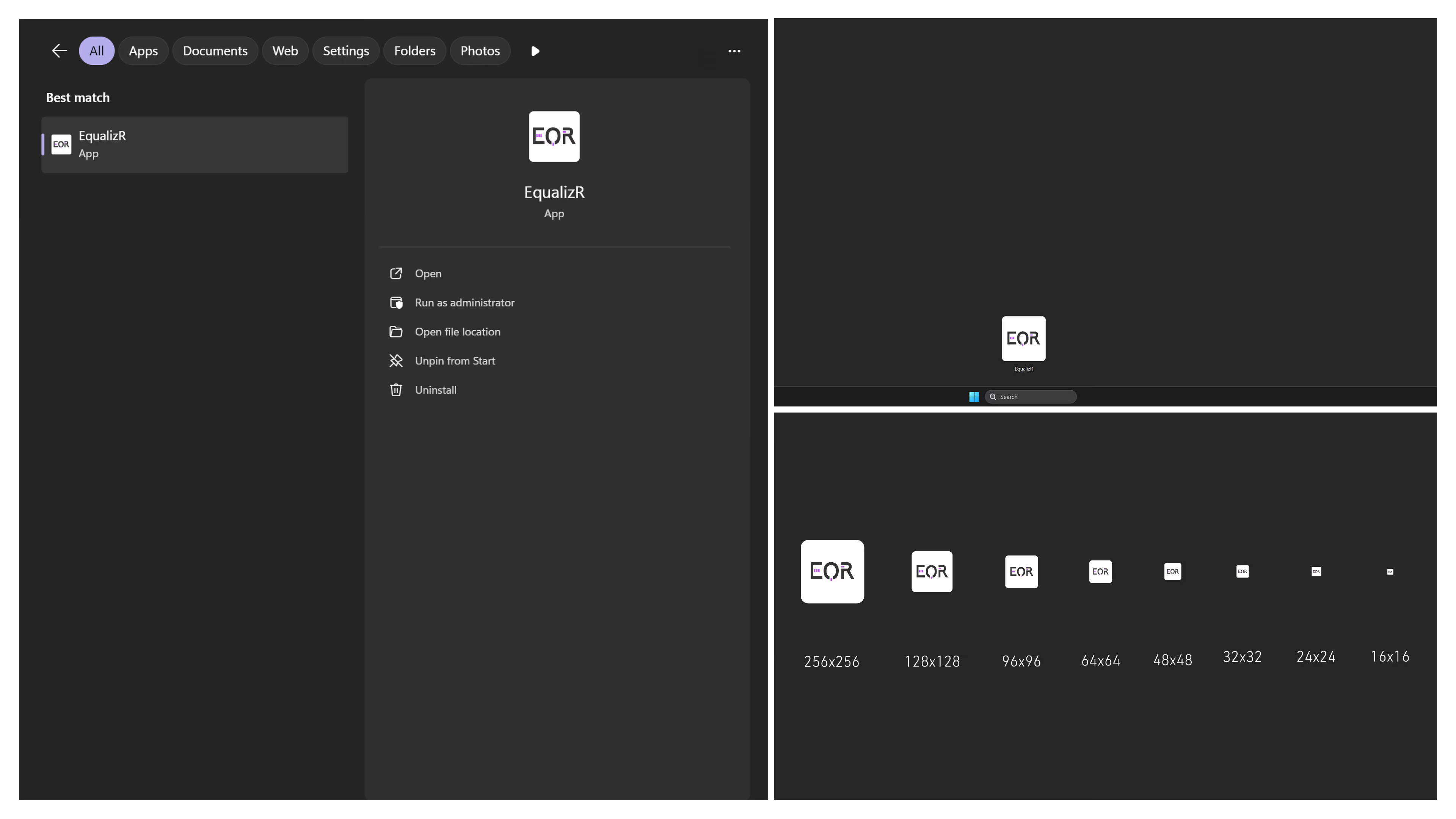
The EqualizR app icon translates the EQR monogram into a scalable Windows application asset, designed for consistent presentation throughout the Windows environment.
Web Design
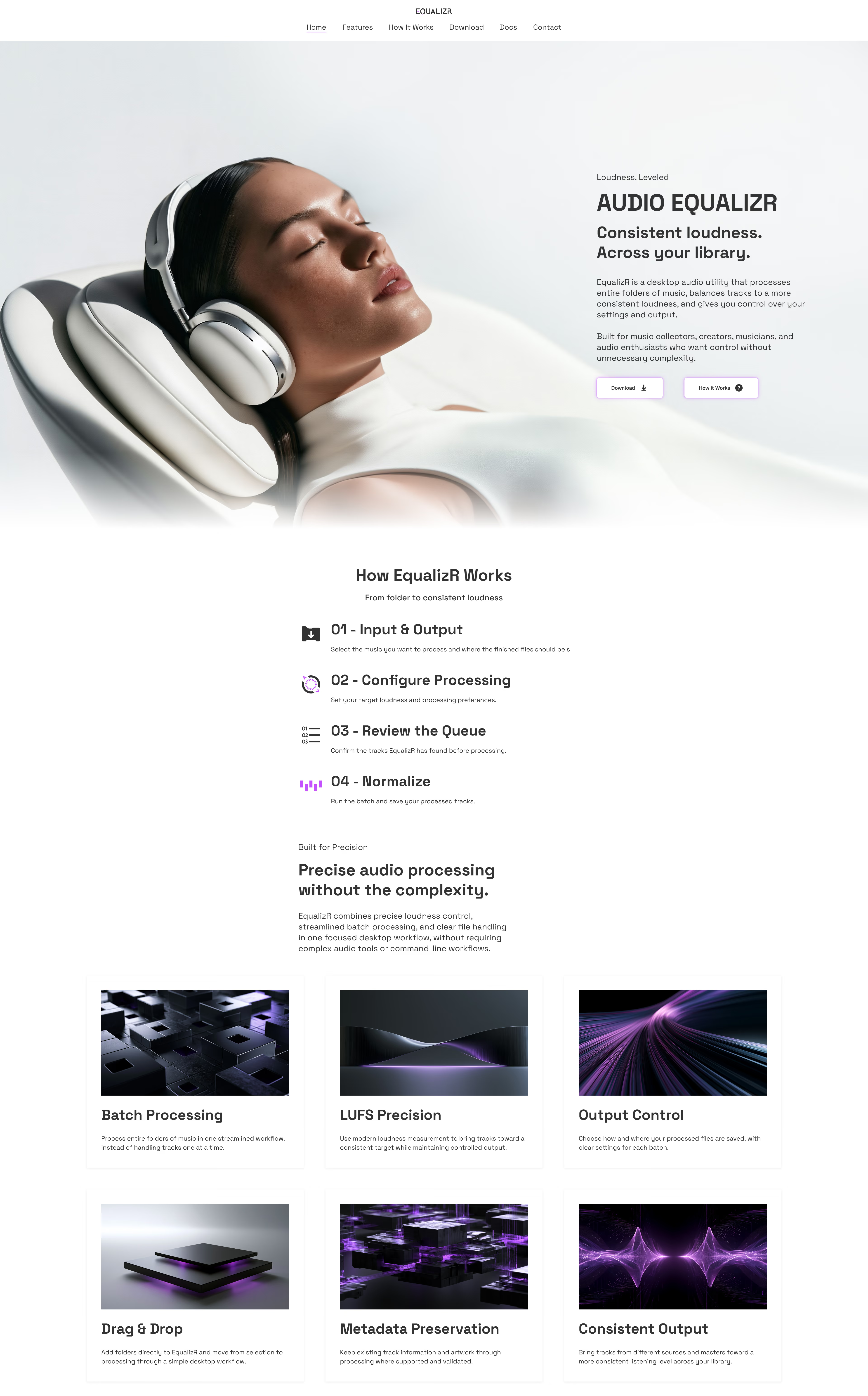
The marketing experience presents the product, workflow, and core capabilities through a clear digital framework.
Responsive Devices
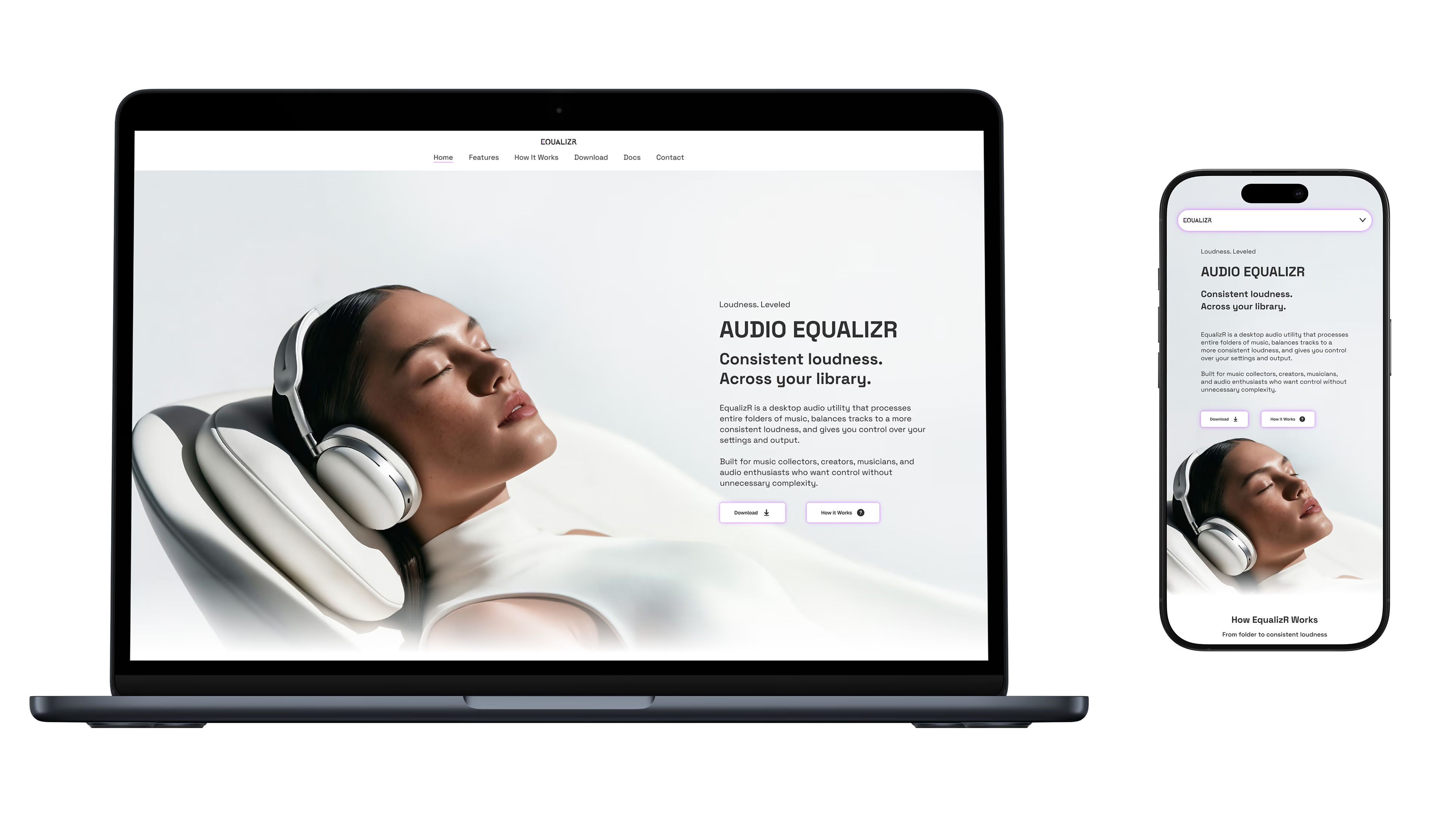
EqualizR’s responsive system adapts across desktop and mobile, maintaining clear hierarchy, consistent interaction, and a unified visual language at every screen size.
Product
Product applications bring the identity into physical form through packaging, specifications, and supporting brand materials.
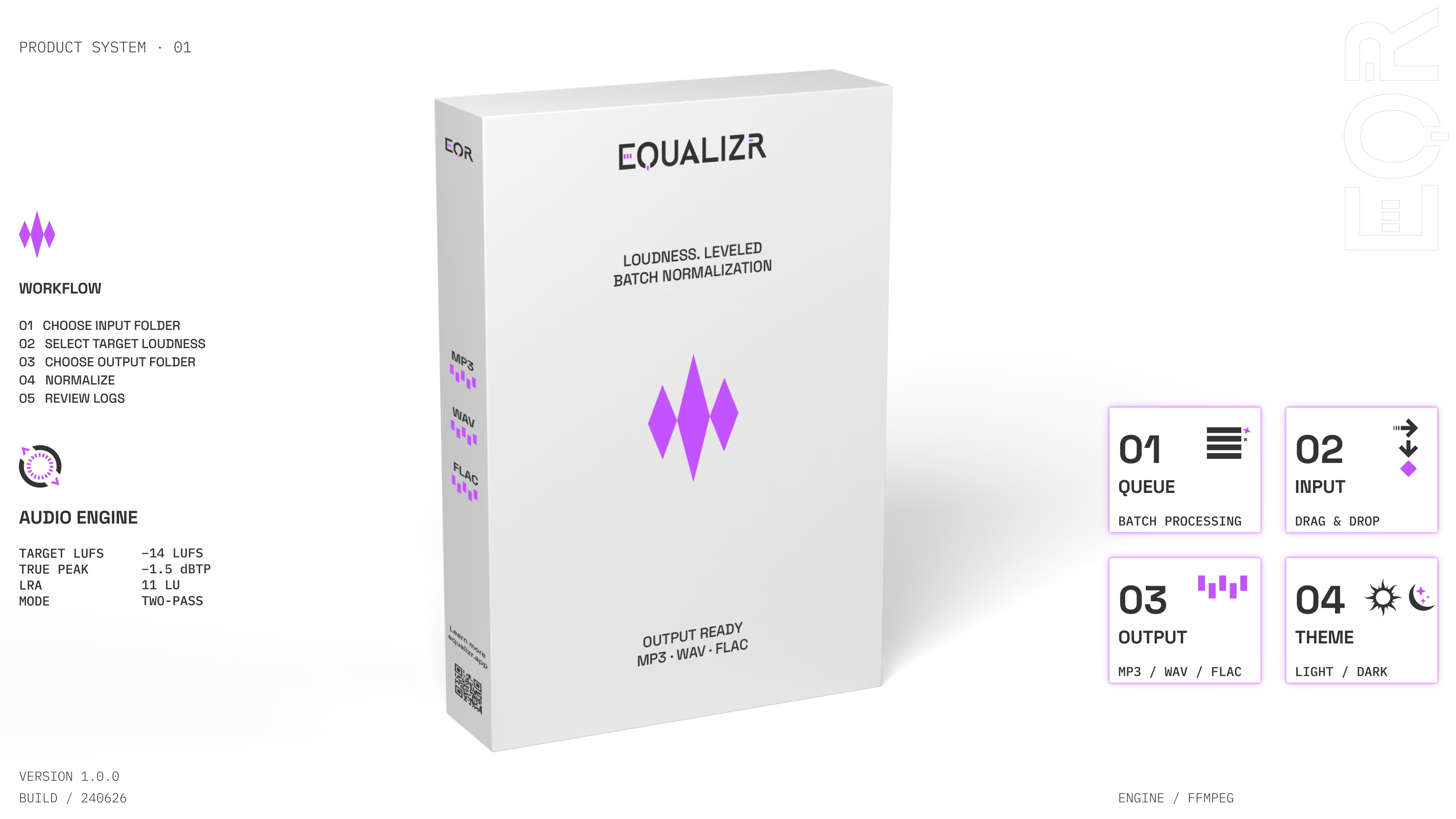
Editorial Application
EqualizR’s editorial system combines bold typography, technical detail, and controlled imagery into a distinct visual language.
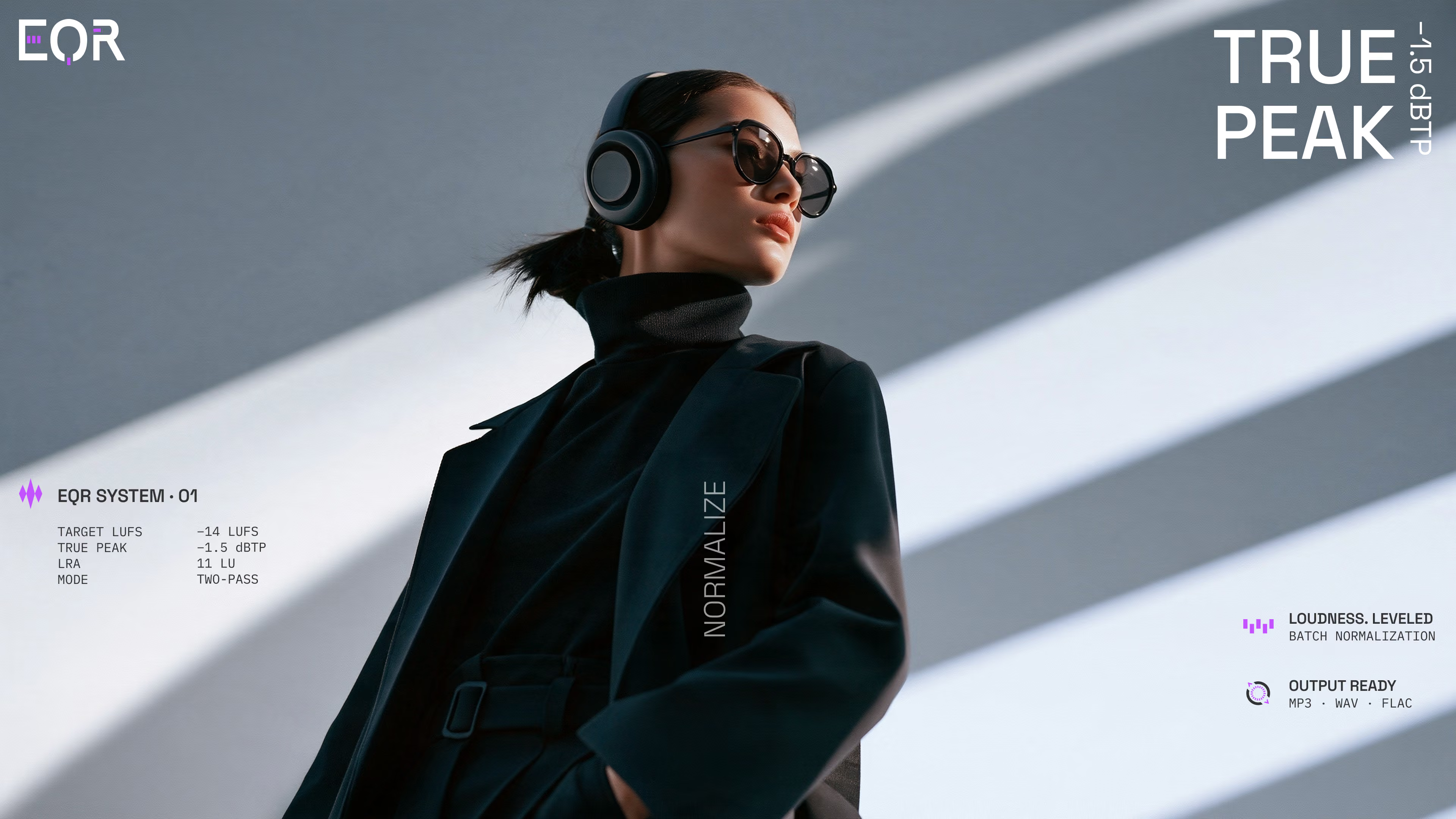
Art Direction
EqualizR’s art direction blends precise product imagery, architectural minimalism, and restrained audio culture into a cohesive visual world.
